Python
RoutePass
Über dieses Projekt

Overview
RoutePass is a sync hub for fitness platforms — connect Strava, Komoot, Garmin, Intervals.icu and more, then route every new activity between them via configurable pipelines and rules.
Every platform is a peer: the same activity can fan out to several destinations, or several sources can funnel into one, with per-pipeline rules (sport type, distance, elevation, name) deciding what gets transformed, renamed, or skipped along the way.
It grew out of a much narrower tool — a single-purpose Komoot→Strava sync script — into a multi-tenant FastAPI backend with a Next.js dashboard, async background workers, and a rule engine that treats "source" and "destination" as interchangeable roles rather than fixed directions.
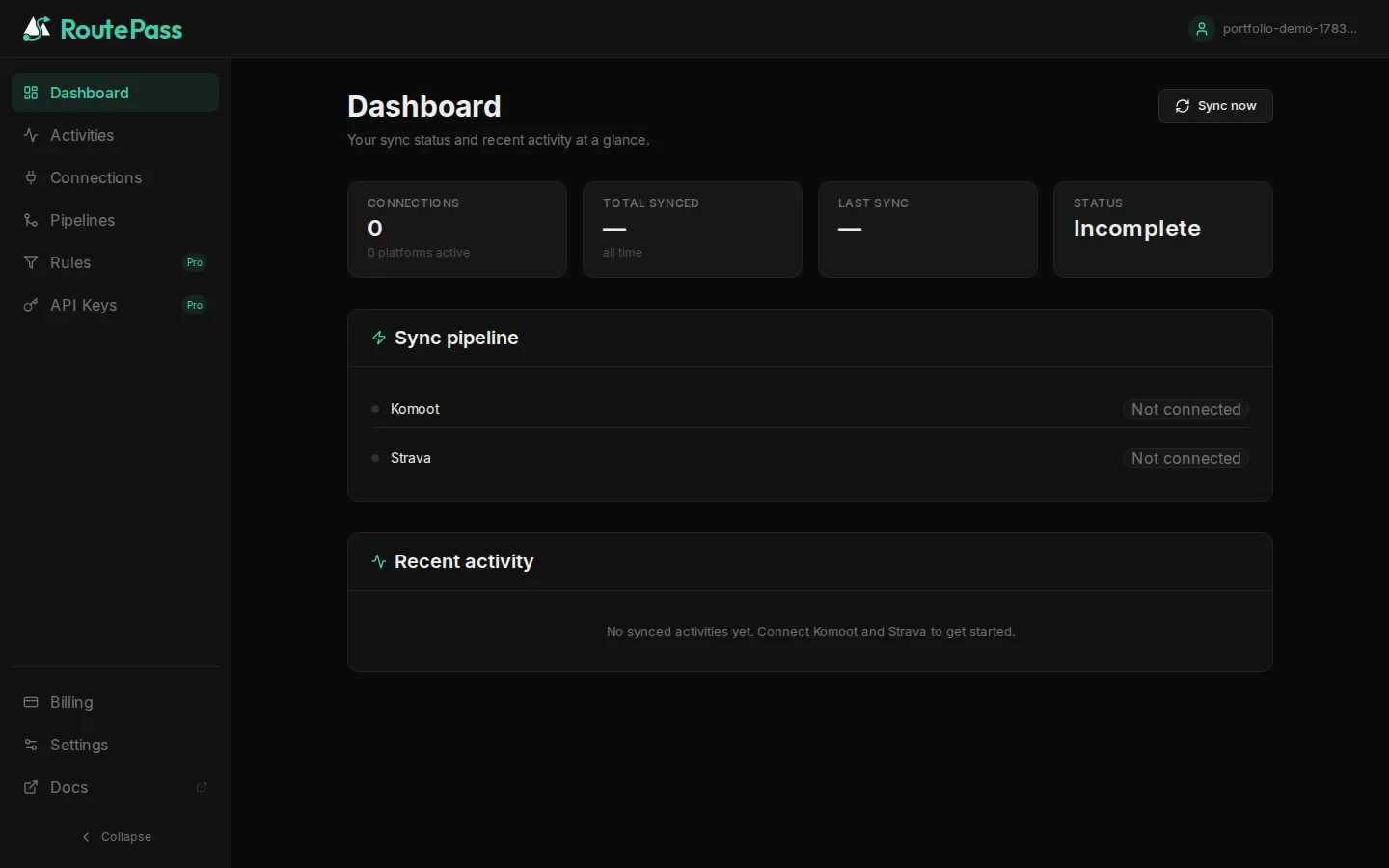
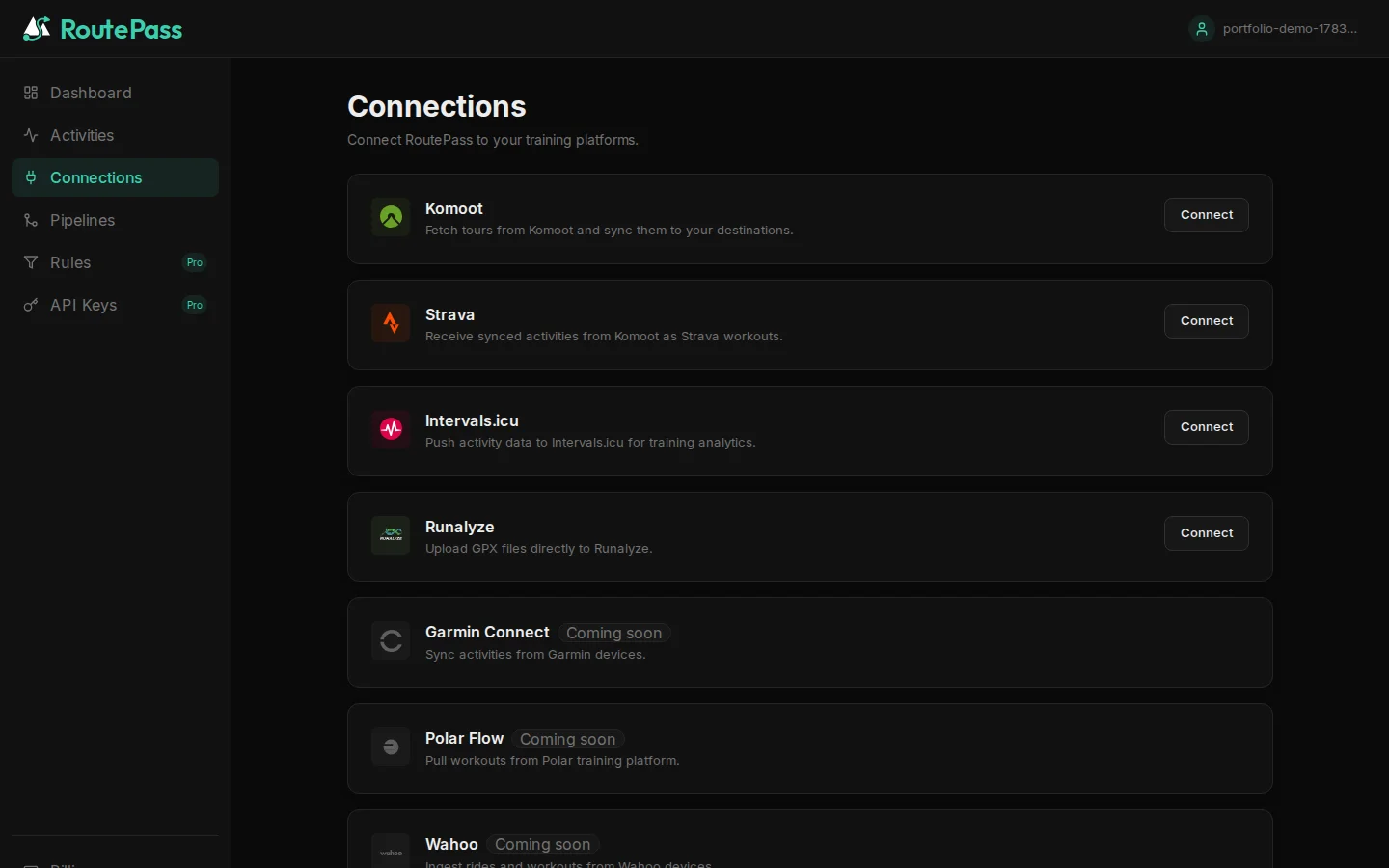
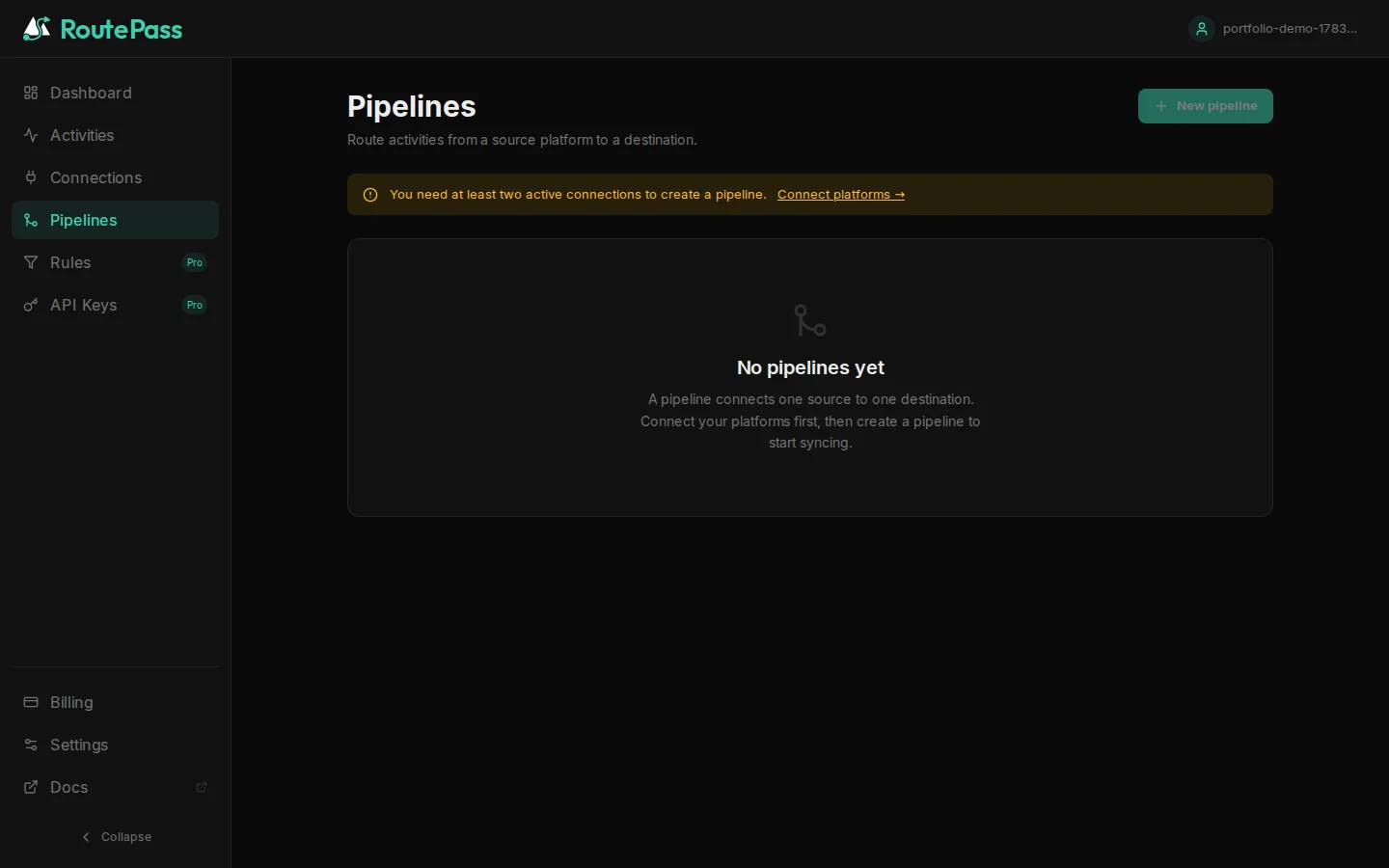
Features
- Any source, any destination — Strava, Komoot, and Intervals.icu/Runalyze/Garmin can each act as source or destination for a pipeline; no hardcoded direction.
- Multi-pipeline routing — fan one source out to several destinations, or fold several sources into one, with an independent rule chain per pipe.
- Rule engine — filter and transform activities per pipeline by sport type, distance, elevation, or name before they're pushed downstream.
- Rate-limit safe — all outbound Strava calls go through a shared, Redis-backed rate limiter (
RateLimitGuard) so one busy user can't exhaust the app's API quota for everyone else. - Privacy by design — Komoot credentials and Strava tokens are encrypted at rest (AES-256 Fernet); GPX downloads use short-lived presigned URLs instead of streaming through the API; GDPR data export and account deletion are built in, with an audit log that survives account deletion for compliance.
- Self-hostable — MIT-licensed.
DEPLOYMENT_MODE=selfhostedstrips billing/tier gating entirely so a single-instance deploy runs with all features unlocked, using your own Strava API app. - REST API + webhooks — programmatic access via API keys, plus outbound signed webhooks and inbound Strava push-event handling for real-time sync instead of polling.
Tech stack
Backend — FastAPI (async) · SQLAlchemy 2.0 (async, PostgreSQL) · Alembic · Redis + ARQ (background jobs) · JWT auth · Fernet encryption
Frontend — Next.js 15 (App Router) · TypeScript · Tailwind CSS · React Query · Framer Motion
Infra — Docker Compose · Coolify · self-hosted on Hetzner, this instance running in selfhosted deployment mode as a public demo
Try it
The public instance at routepass.online runs this repository's main branch in self-hosted mode: register for free, connect Strava, and set up a pipeline. Billing/tier gating is disabled on this demo — every feature is unlocked.
Quick Start (local development)
1. Create an env file
cp .env.saas.template .env.saas
Fill in the required variables (SECRET_KEY, KOMOOT_ENCRYPTION_KEY, STRAVA_CLIENT_ID/STRAVA_CLIENT_SECRET from a Strava API app).
2. Start the stack
make dev       # api + worker + db + redis + frontend
make dev-logs
3. Run checks
make check # ruff + mypy + pytest
Useful Commands
make status       # Git status + log
make dev          # Start docker stack
make dev-stop     # Stop docker stack
make test         # Run pytest
make lint         # Run ruff checks
make check        # lint + test
make migrate      # Run alembic migrations
Architecture Notes
- FastAPI async API with SQLAlchemy 2.0 async ORM (PostgreSQL)
- Redis + ARQ workers for background sync jobs (
poll_user_sources, per-connection watermarks, real-time Strava webhook ingestion) - All outbound Strava calls guarded by
RateLimitGuard(shared quota, multi-app fan-out) - Komoot's API is unofficial and unauthenticated by OAuth — credentials are encrypted with AES-256 Fernet, never stored in plaintext
- GPX object storage is pluggable: DB column by default (self-hosted), S3/R2-compatible for larger deployments
Repository Documentation
AI_HANDOFF.md: current implementation state, migration chain, test coverageIMPLEMENTATION_PLAN.md: full launch plan (scalability, deployment, privacy, multi-directional sync)docs/setup_guide.md: user account-linking guidancedocs/PROJECT_LEGACY.md: original single-user tool this project grew out of
License
MIT — see LICENSE.